Any registered member (Contributor, Author, Editor or Administrator) can upload images to the website – https://photo.cardiffu3a.org.uk
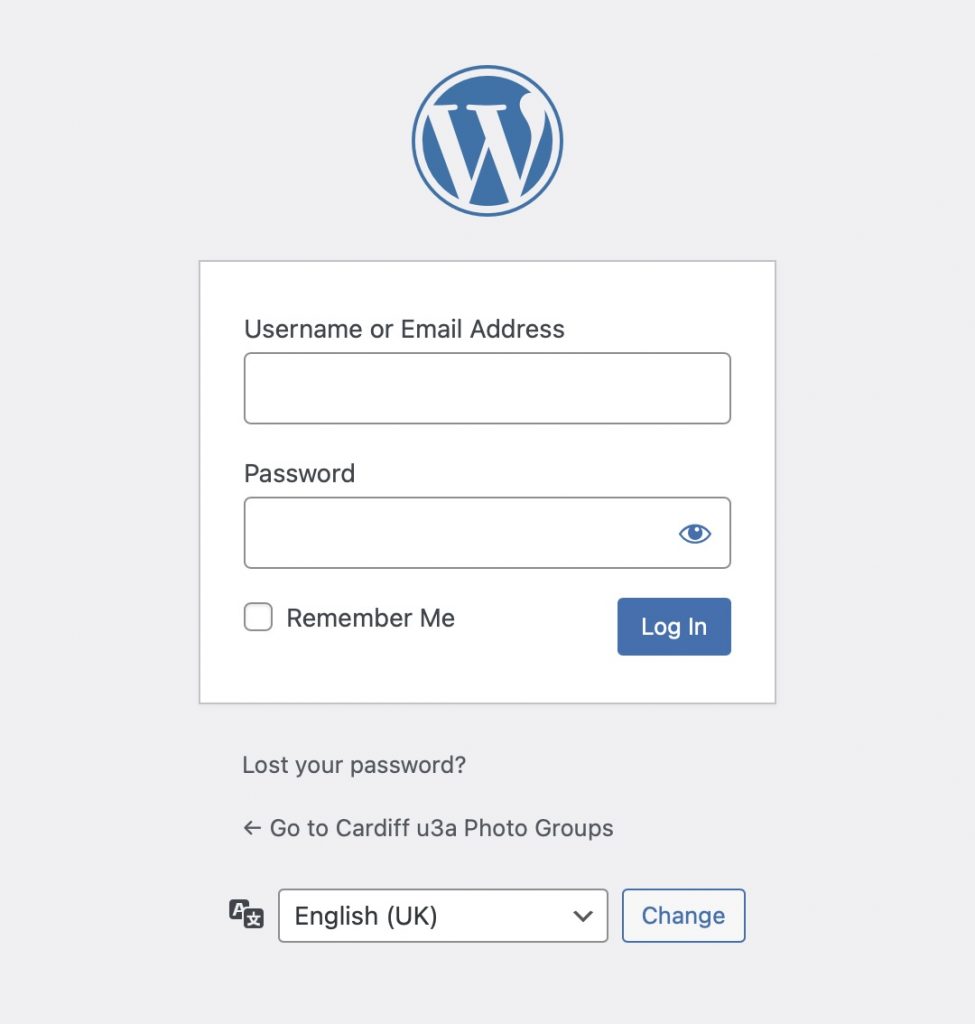
They need to login from the Menu bar (top right-hand) using their userid and password which should have been provided by the Group Convenor – you can get a new password by clicking on “Lost your password?”
From the Menubar, select the Group to which you’re uploading photos, and Hover and Select ‘Photography Group Galleries’ or ‘Practical Photography Galleries’.

A screen like the one below should appear with the current photoshoot at the top …

… just follow the instructions in the ‘box’; click to open the File Explorer on your device, or drag and drop images from a desktop window to the box. Please note the limitations listed in the box – the size restriction applies to the total upload size.
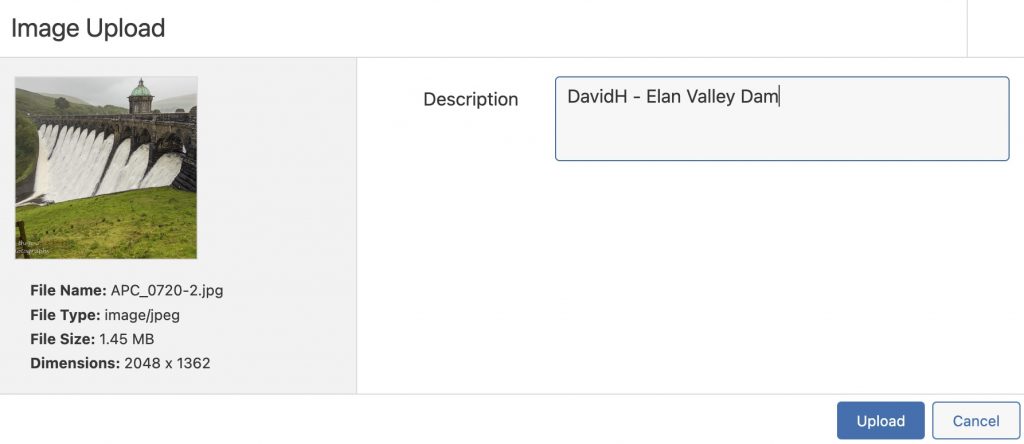
It is important that you add your Username and a description (caption) to your upload as shown below … click on ‘Upload’.
You should get a ‘Success’ message, and then if you refresh your screen you should see the images displayed in the Image Viewer.