
You may have noticed that you didn’t need to Login when you landed on the site today. This change has been introduced to enable the wider Cardiff U3A membership to view our images and posts and to make it easier for you to browse the Galleries and Posts. It does however mean that when (as a Photo group member) you want to upload to a photoshoot gallery, or to write a post for the site that you will need to click on the Login item in the Menu bar …

… or …
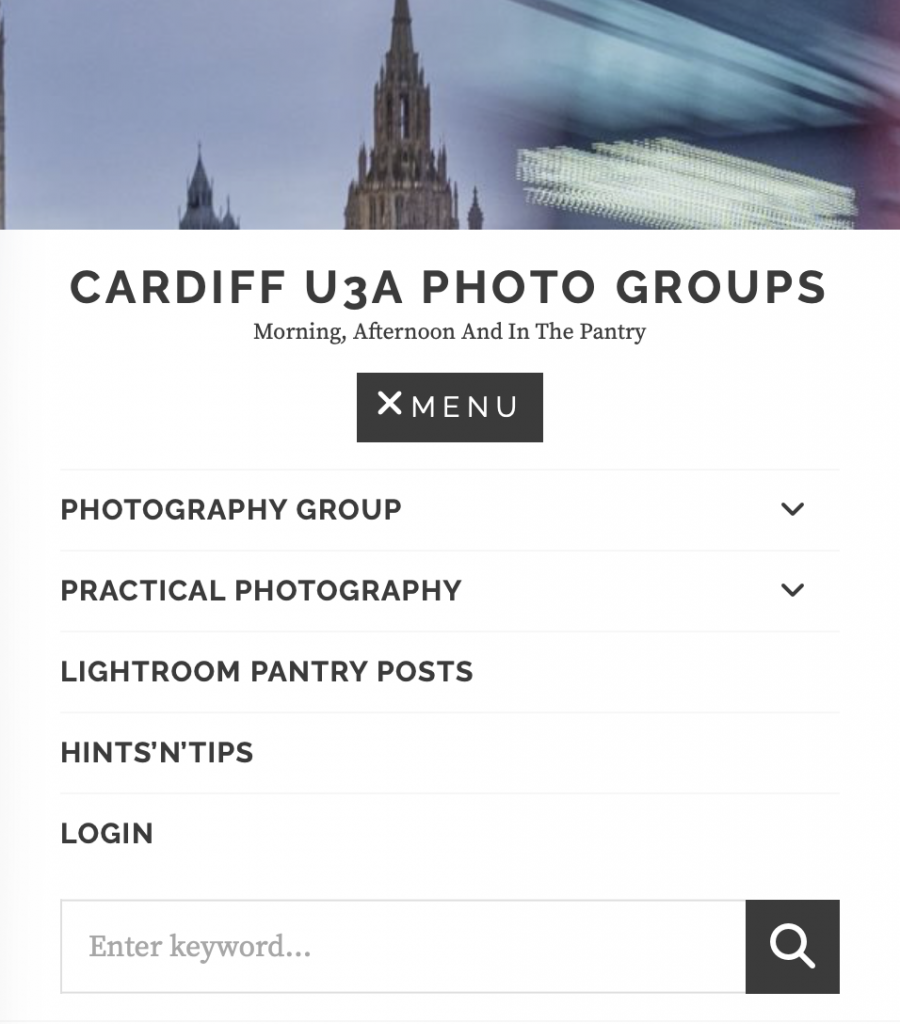
That will then bring-up the standard Login prompt …

If you’ve forgotten your password, this is the place where you can create a new password by clicking on the “Lost your password?” prompt.
When you are ready to Upload images to a Gallery, you may find this short video of some assistance …
At this point you can just click on the Gallery to see your images in full screen.
Please note to help your Convenors preparing for the Show’n’Tell session it would be extremely helpful to add your UserID (eg DavidH) as the first item in the Description Field, and to do this for every image you upload. It is suggested that you upload your images in a batch of 3, to ensure that they appear together in the Gallery.