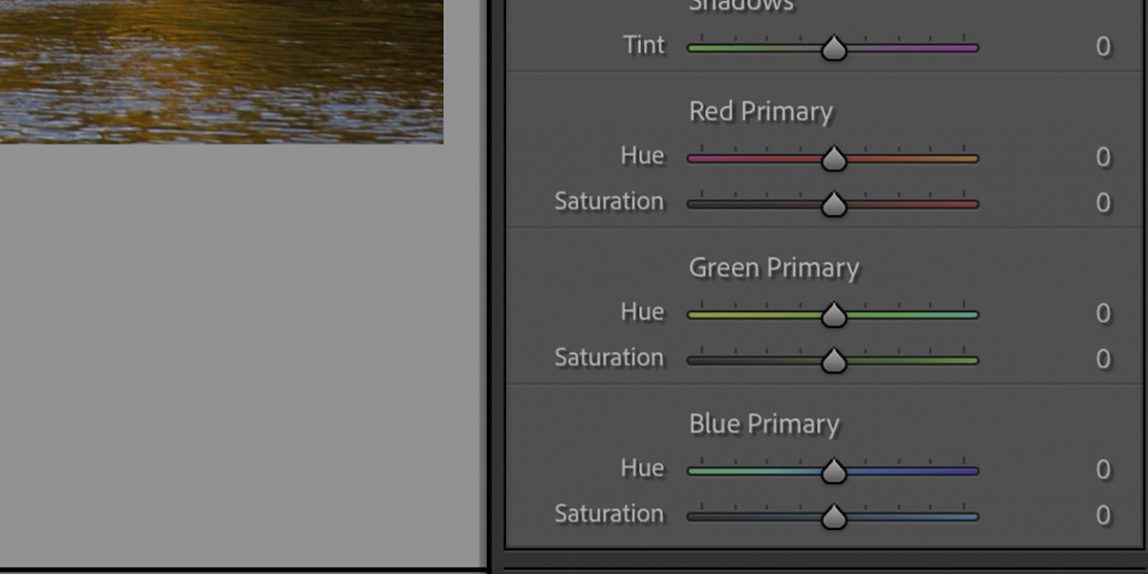
We watched and discussed two videos at our meeting. The first was on the subject of the Calibration Panel and how you could use it to establish your look’n’feel for your images, maybe even creating Presets for like settings which you should consider might be applied before you do any editing – so perhaps move the panel to the top of your Develop Module panels along with Transform and Lens Corrections.
The second video we looked at was examining Auto White Balance and the value of getting White Balance correct in camera, so that when we come to view the image in Lightroom, it actually looks as close as it can, to what you saw when you took the shot. [Remember the image in the view finder is a JPEG, and further remember you should be shooting in RAW if you want to change the White Balance subsequently.] So, watch this video and consider whether you might not get better shots if you set a Custom White Balance in camera, rather than changing it (which the video shows you how to do as well) subsequently in Lightroom.
I also promised to include this “cheat sheet” for the Calibration Panel
